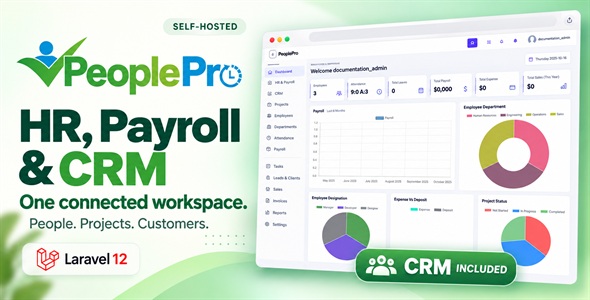
PeoplePro - HRM, Payroll, CRM & Project Management
Get Unlimited Downloads for $16.50/mo
Pro ChoiceNeed multiple templates, audio tracks, and stock graphics? Unlock 14M+ digital assets with an Envato Elements subscription.
Product Overview & Capabilities


CRM Included: Connect Your Sales and Customer Relationships
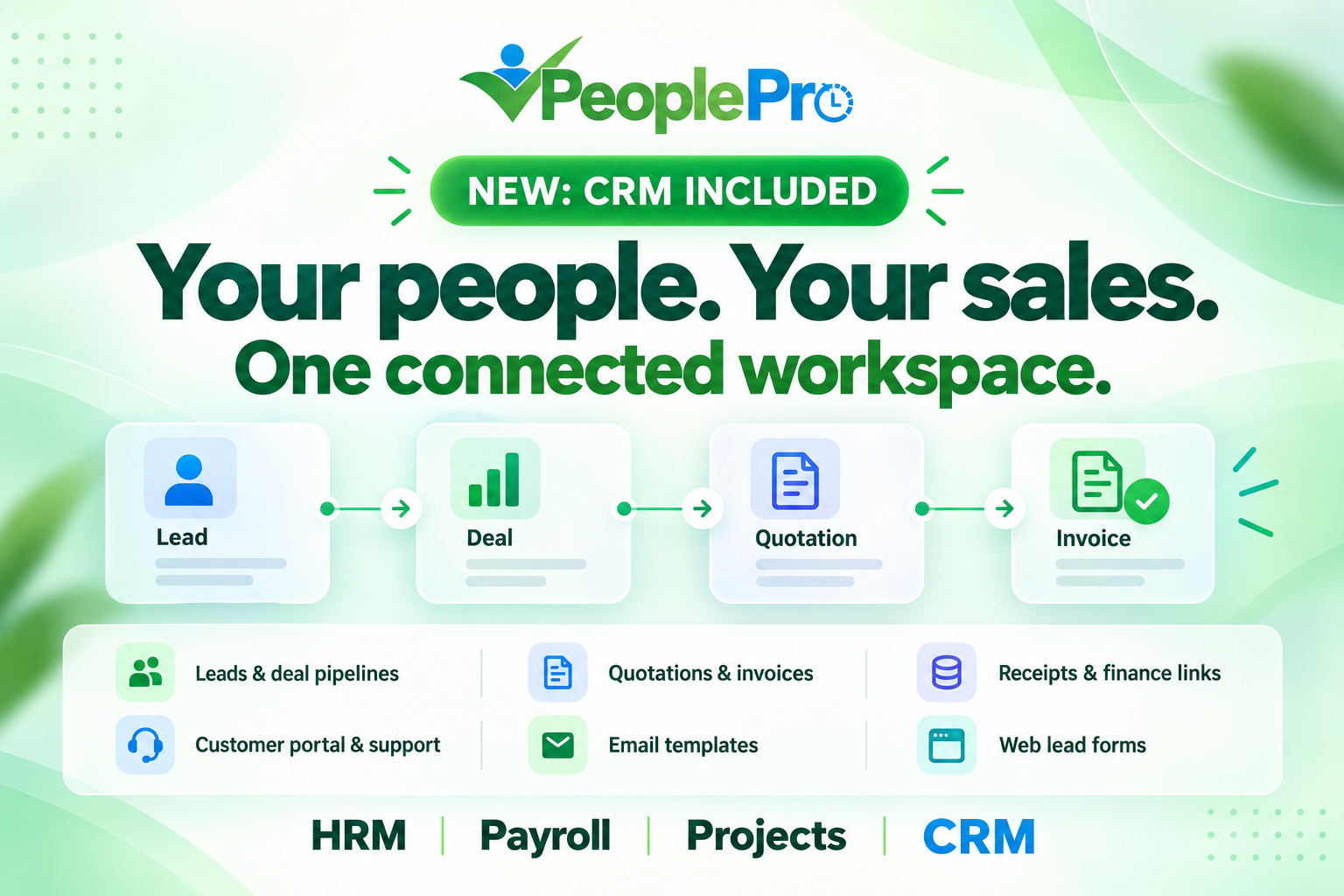
Bring customer companies, contacts, leads and deal pipelines into the same workspace as your team. Prepare quotations and invoices, track receipts, share documents through the customer portal, and manage customer support, email templates and web enquiries.
PeoplePro: Manage Your People, Payroll and Projects
Keep employee records, attendance, night shifts, leave and payroll together. Organize recruitment, onboarding, performance, training, projects, actual working time, expense claims and company assets with role-based access and editable translations.
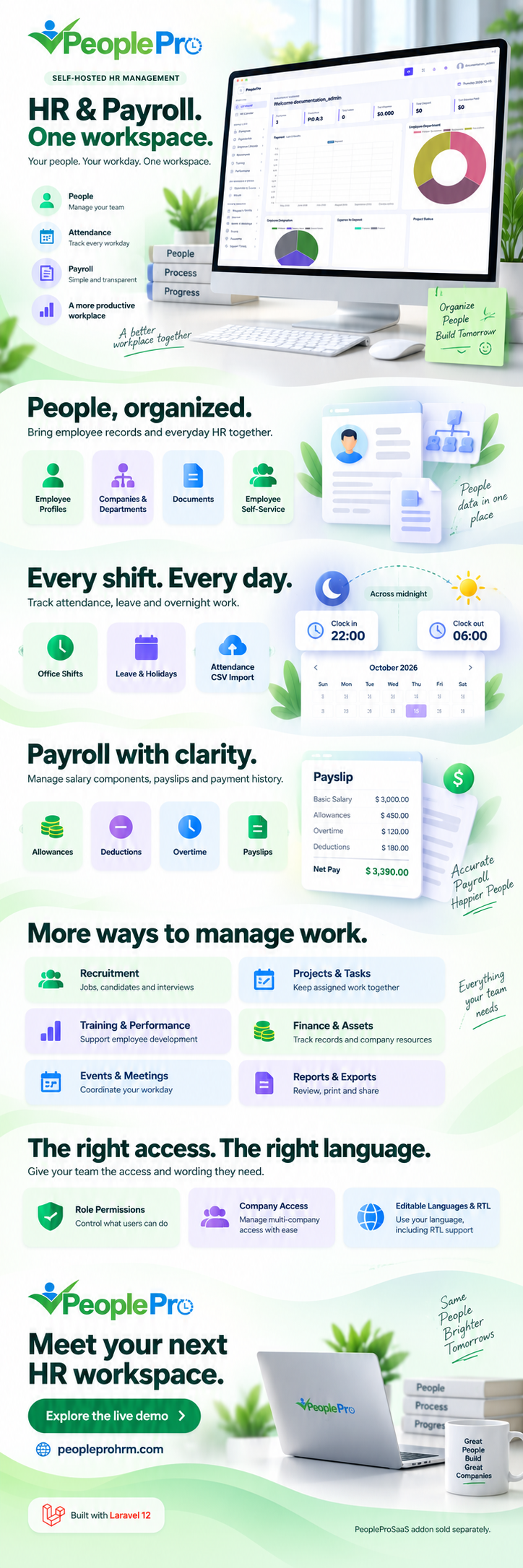
Your people. Your sales. One connected workspace. PeoplePro combines HR management, payroll, projects and customer relationship management in a self-hosted Laravel application. Manage your workforce, follow up sales opportunities, prepare quotations and invoices, and keep customer conversations connected to their records.
Now with CRM included: customer companies, contacts, leads, deal pipelines, activities, catalogue, quotations, invoice receipts, sales reports, customer portal, sales contracts, support and marketing tools.
CRM Included: From First Enquiry to Customer Follow-up
Customer Companies, Contacts and Leads
Keep business customers and the people you speak with in connected records. Assign owners, record lead sources, maintain contact details and organize follow-ups. Convert qualified leads into customer companies, contacts and deals while retaining their original history.
Deals, Pipelines and Follow-up Activities
Follow opportunities on the deal board, review their stages and values, and record calls, meetings, notes and tasks. Track upcoming or overdue activities and retain explanations for won, lost and reopened opportunities. Use the current company and your record-access permissions to keep the right work in view.
Catalogue, Quotations and Invoices
Maintain a catalogue of products or services and prepare quotations with quantities, prices, tax, discounts, validity dates and terms. Keep issued quotation versions, make amendments and record customer decisions. Turn an accepted quotation into an invoice, with customer-facing print and PDF copies.
Receipts, Finance Links and Sales Reports
Record verified full or partial invoice payments and follow the remaining balance. Optionally post a receipt to a matching-currency Finance account. Correct an incorrect receipt through a retained void and linked reversal, keeping the original history. Review ageing, customer balances, pipeline forecasts, cash movements and sales reconciliation.
Customer Portal and Controlled Document Sharing
Link an existing Client login to the matching contact and share selected quotations, CRM invoices or sales contracts. Choose a linked-customer audience or an expiring public read-only link, and revoke access when needed. Signed-in customers can record decisions on the exact document version shared with them.
Sales Contracts, Customer Support and Knowledge Base
Prepare contract drafts, reuse terms, retain issued versions and connect renewals to previous agreements. Manage customer support conversations, owners and response targets, with internal notes kept separate from customer replies. Publish help articles for the customers of the selected company.
Email Templates, Website Enquiries and Campaign Tracking
Create reusable plain-text email templates and preview an individual message before confirming Send. Publish a web lead form or embed it on your website, choosing its owner, source and campaign. Review duplicate enquiries and follow first-campaign attribution from captured leads to related deals and recorded receipts.
Search, CSV Transfer and Access Control
Find CRM records with search and filters, preview lead CSV imports, and export supported lists and reports. Use role actions, company access and assigned-record visibility to control who can view or change sales information. Grouped navigation and section tabs help staff move between customer, sales and marketing work.
HR, Payroll and Projects in the Same Workspace
Employee Records and Organization
Keep profiles, contact details, bank information, qualifications and employee documents together. Organize companies, locations, departments and designations, set reporting managers and explore the organization chart. Follow promotions, transfers and other employee lifecycle records.
Attendance, Night Shifts and Correction Requests
Configure office shifts, including overnight work that starts on one date and finishes on the next. Review daily and monthly attendance, import supported attendance-device CSV files, and let employees request missed-punch corrections with a retained decision history.
Flexible Leave and Balance History
Manage requests, holidays and approval decisions with the leave rules you enable. Support working-day calculations, half-day and hourly leave, monthly accrual, carry-forward limits and expiry. Review explained adjustments and employee balance history without replacing earlier records.
Payroll, Payslips and Reviewed Payment Records
Set up salary components, allowances, deductions, overtime and employee loan repayment records. Prepare payroll drafts, use independent approval where configured, record payments and provide payslips. Review payroll and attendance reports using the rules established for your organization.
Recruitment, Onboarding and Employee Documents
Maintain job posts, applications and interview records. Use hiring stages, scorecards and versioned offers, then follow onboarding and offboarding checklists. Issue employee documents, record acknowledgments and follow employment contract dates.
Performance, Goals and Training
Plan review cycles, collect employee and manager assessments, and maintain measurable goals and key results. Organize training activities, record assessment attempts and review completion certificates alongside the employee record.
Projects, Tasks, Timers and Billable Work
Organize projects and tasks, reuse project templates and follow milestones. Start a project timer or enter actual time, submit a week for review and separate billable from non-billable work. Plan employee capacity and project allocations, then create invoices from eligible approved billable time.
Finance, Expense Claims and Assets
Maintain accounts, deposits, expenses, transfers and transaction history. Let employees submit expense claims with private receipts, review the claim and record its reimbursement. Track company assets, assignments, returns, maintenance and related costs.
Employee Self-Service and Everyday Coordination
Provide personal attendance, leave, payslip, document and assigned-work access according to the employee role. Use the personal workspace, search and approval inbox alongside announcements, policies, meetings, events and employee support tickets.
Roles, Languages, RTL and Reports
Choose permissions in the searchable module editor and control access to company records. Start with English, add a supplied language pack and edit wording with instant translation search. Use right-to-left layouts and the available HR, attendance, payroll, project, Finance and CRM reports.
Built for Teams That Want One Self-Hosted Workspace
- HR teams: employee records, attendance, leave, recruitment and payroll.
- Sales teams: leads, activities, opportunities, quotations and customer follow-ups.
- Service teams: projects, actual time, billable work and client invoices.
- Administrators: company access, permissions, translations, settings and reports.
Installation and Server Requirements
- Laravel 12 application; use PHP 8.3 with the supplied release runtime.
- A compatible MySQL database and PHP-capable hosting. Apache and Nginx deployment guidance is provided.
- Required PHP extensions include PDO MySQL, cURL, Fileinfo, GD, ZIP, Calendar, Mbstring, OpenSSL and DOM/XML.
- Writable storage and bootstrap/cache directories, with environment-file access during setup.
- Configure the scheduler, queue and outgoing mail for the features you enable. Composer is needed when rebuilding PHP dependencies.
- Use HTTPS and your own service credentials for external integrations.
English HTML documentation covers installation and daily use with screenshots. Apply updates through the documented process and preserve your existing environment configuration, uploads and business data.
Frequently Asked Questions
Is CRM included in this PeoplePro item?
Yes. The current standalone release includes the CRM features described above. An administrator enables CRM for the company and grants the relevant role actions.
Do I need the SaaS addon to use CRM?
No. The separately sold PeopleProSaaS addon provides platform subscriptions, tenant signup, central billing and hosting management. It is only needed when you want to operate the SaaS platform.
Can employees work overnight shifts?
Yes. Attendance supports clock-in on one day and clock-out on the following day, with the record associated with the shift start day.
Can customers review shared quotations and contracts?
Yes. Link the customer account to the matching contact and share the intended document version. Customer decisions are retained as acceptance records; they are not certified electronic signatures.
Does recording a receipt charge the customer?
A receipt records a payment you have already verified. It can create a linked Finance entry, but does not itself charge a card or collect money through a payment gateway.
What kind of email and campaign tools are included?
PeoplePro provides individual email templates and previews, web enquiry capture and first-campaign tracking. Campaign spending is entered manually. Bulk email sending, SMS/WhatsApp campaigns and provider automation are outside this feature set. Mail-server acceptance does not guarantee inbox delivery.
Can I edit translations?
Yes. Choose from the supplied language packs and edit their translation values in the application. Custom wording is kept separate from provided translations.
Is this a hosted service or a native mobile app?
This item is a self-hosted browser application. Hosting, a native mobile app, external service accounts and usage fees are not included. Attendance-device CSV import is available; direct biometric hardware connectivity is not included.
Customization
If you would like some features added to PeoplePro, please send us an email at support@lion-coders.com.
Installation Video

Watch the installation video. Follow the current written guide if the video shows an earlier interface.
Changelog
View release history on the PeoplePro changelog page.
Support and Updates
Use the support email above for item-related help. Support coverage follows the terms displayed on the item page. Custom development, hosting administration and external service charges are separate services.
256-Bit SSL Encrypted Checkout
Instant download access after payment